
Electronic notification
The Administration is required to communicate electronically. An electronic notification or communication is the way in which the Administration formally communicates with citizens and companies. Through this system, the Administration guarantees the date and time information was sent and when and by whom it was accessed.
If you are part of a group of people required to communicate electronically with the Administration (companies, organisations, associations, etc.) or you are a person who is not required to do so but who has subscribed or agreed to receive electronic notifications, when an administration sends you an electronic notification you will receive at the same time an email notification and, optionally, an SMS message to your mobile phone if you have provided your number.
1
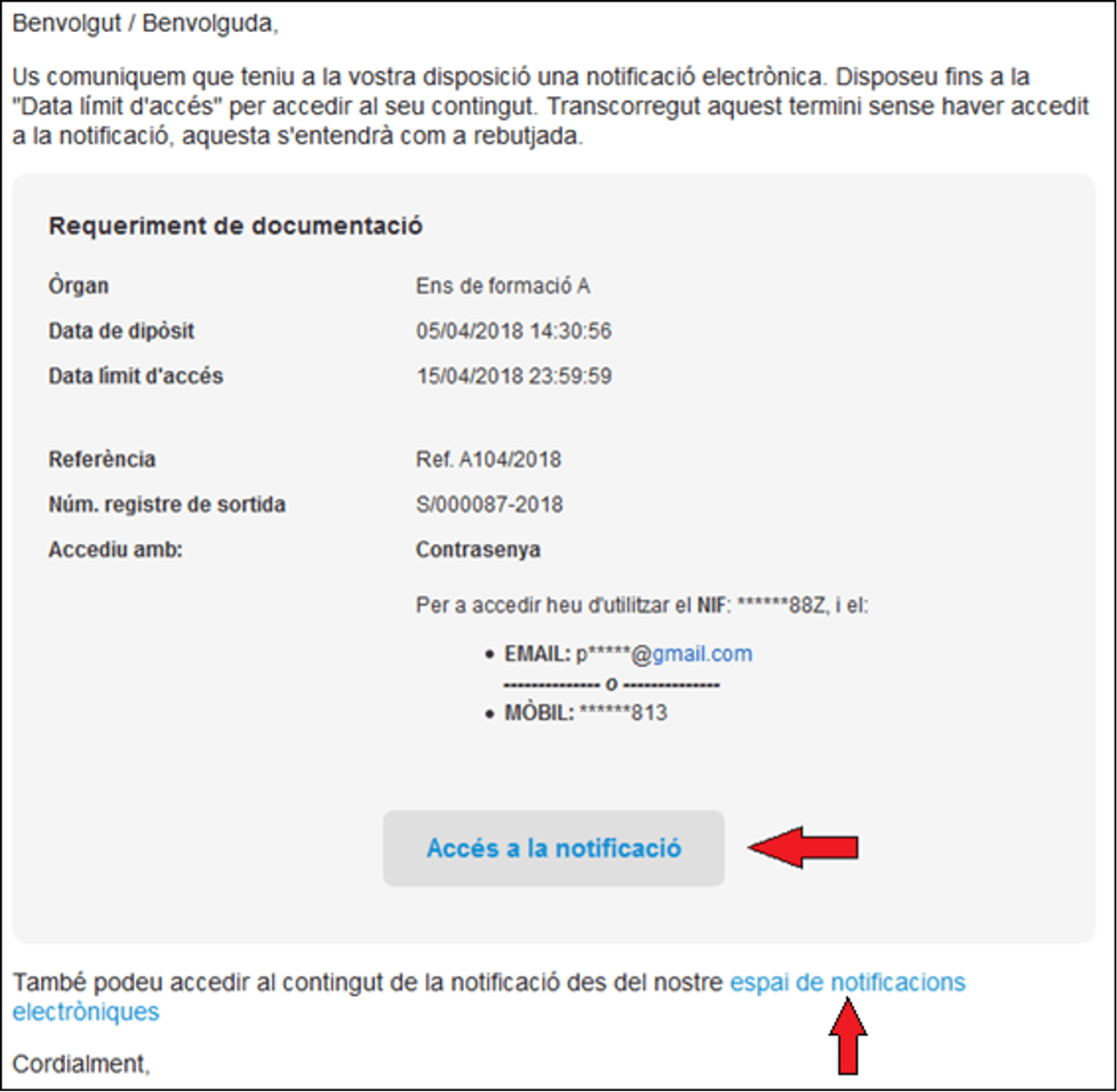
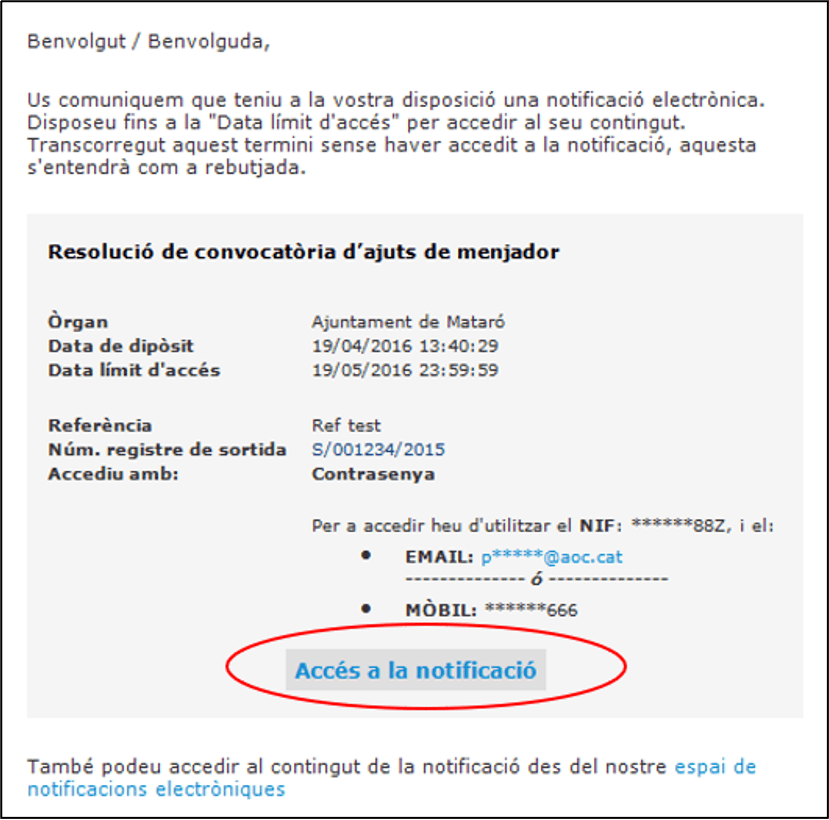
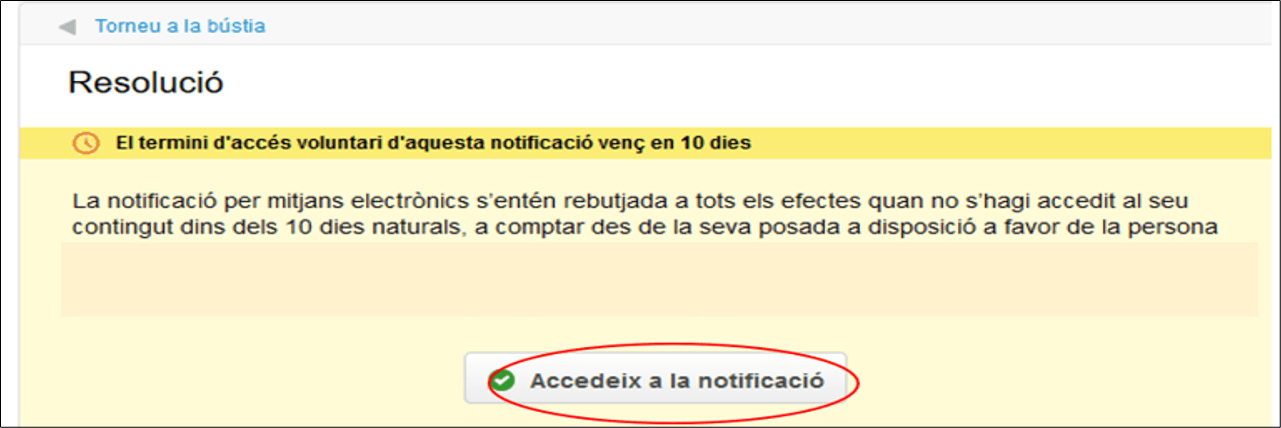
If you have received an electronic notification email, you will find a link in the same email to access it. Click on “Accés a la notificació” (Access notification).
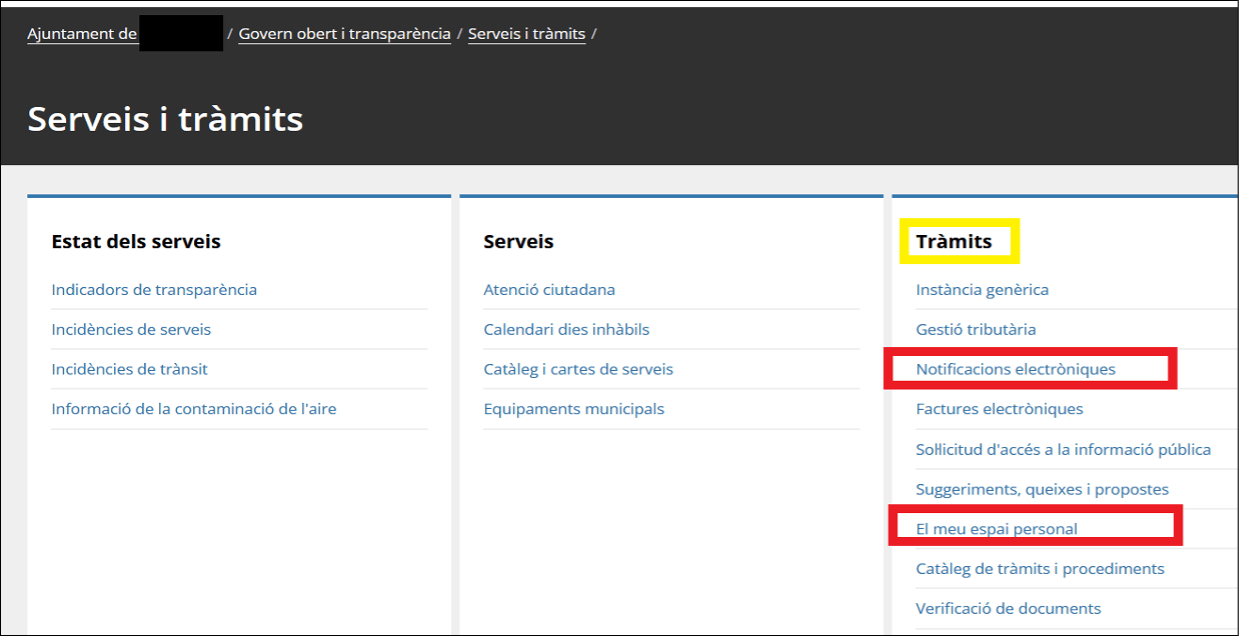
You can also consult the electronic notifications from the electronic procedures section of the municipal website. It is recommended that you never access it via a Google search.
2
Notifications require identification to access them. Choose your preferred identification system, bearing in mind that, depending on the subject of the notification, you may be required to use a digital certificate or you may be able to access it with your idCAT Mòbil and password.
3
Once you have identified yourself, you will be given access to the notification.
4
The file or files included in the notification are located at the top right-hand side. This notification can only be consulted from this space for a limited time. To keep this notification, you must download it to your computer.
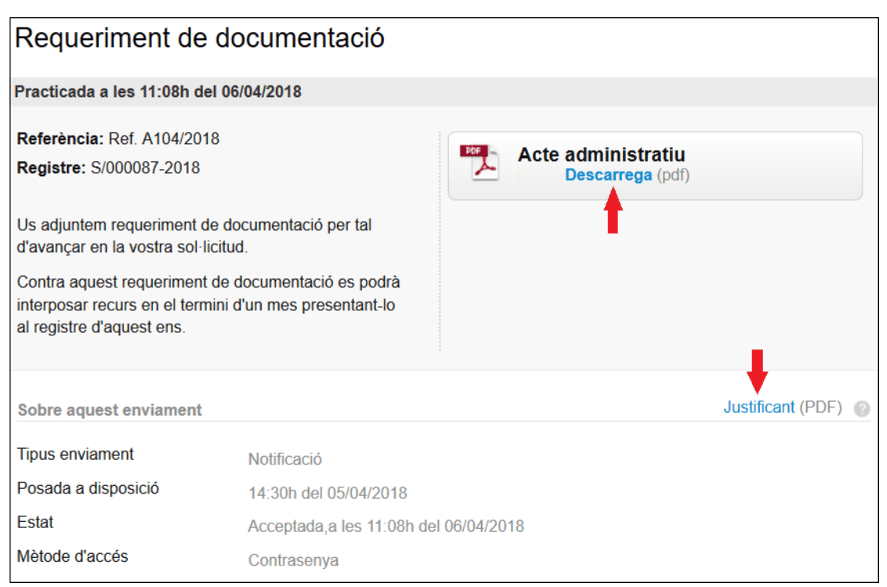
From this screen you can access the notifications inbox from the “Torneu a la bústia” (Back to inbox) option.
5
We recommend that you log out of your session (especially if you accessed it from a public or shared computer) using the “Surt” (Exit) option found in the upper right corner of the screen.

How do I log in?
The electronic notification email will inform you of the systems for accessing the notification.
You can access the notifications:
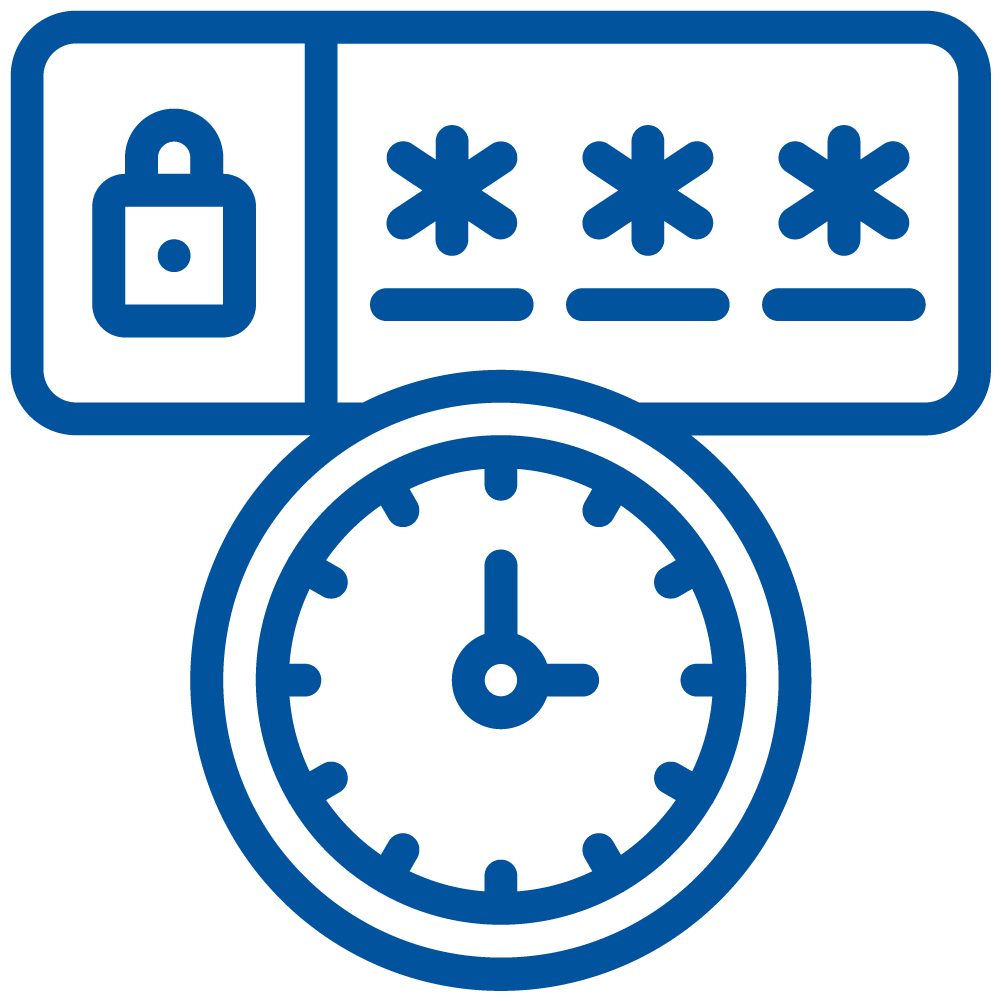

One-time password.
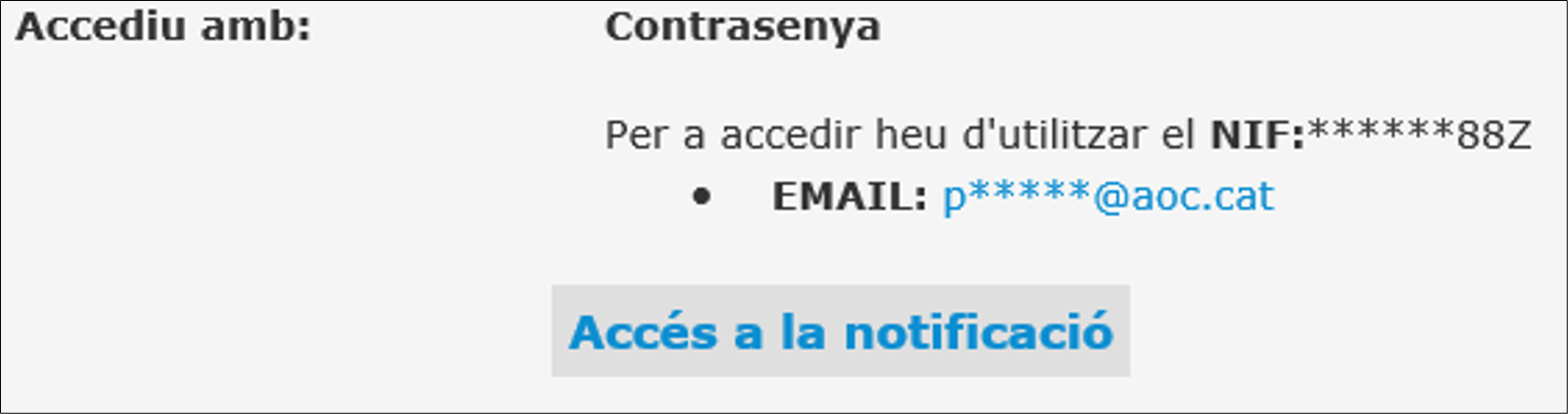
If you can access with a one-time password, the email message contains the contact details of the person who can receive the notification.
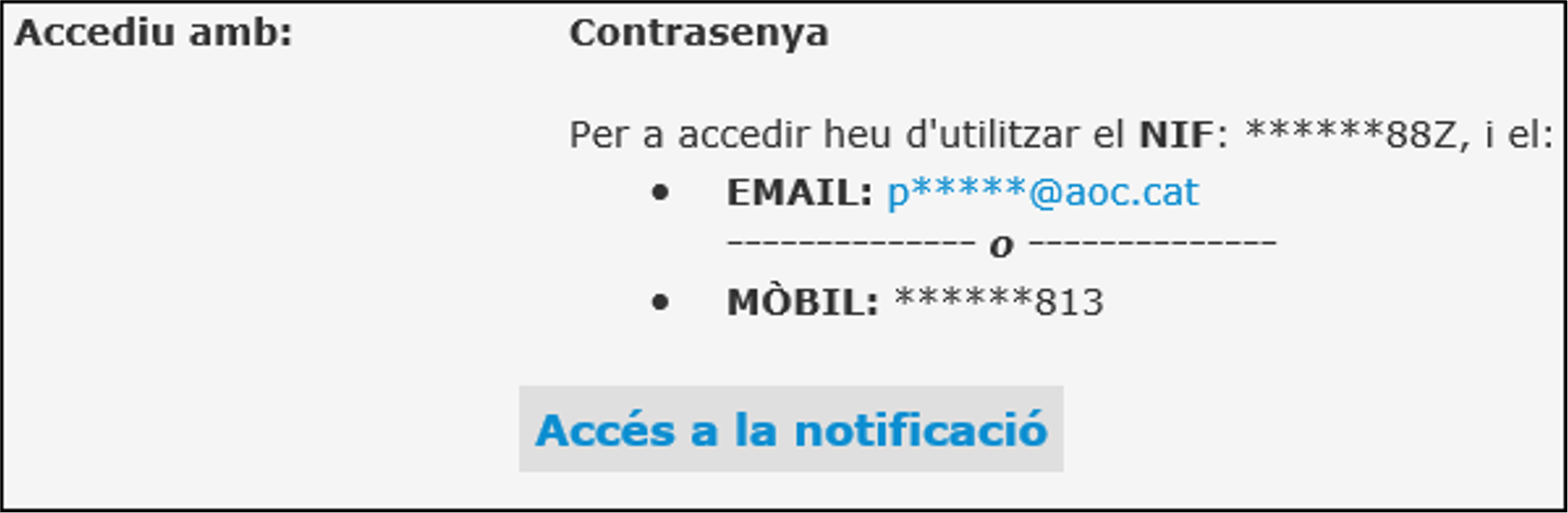
The system will ask you for the following information:

Currently, the generation of the code for SeTDIBA municipalities only works through email. The email address you provide at this moment must coincide with the email address of the notification.
The code sent by email is valid for 30 minutes.
Once you have entered the code received by email, the screen to access the notification will open.
idCAT Mòbil
If you have idCAT Mòbil, enter your phone number and the code you receive on your mobile device.
If you have not yet registered with idCAT Mòbil, we recommend that you do so to simplify the identification process when carrying out your online procedures. More information.
Digital certificate
You can access the notification with a digital certificate if you have one. Check the accepted certificates to access a notification.